Only invited visitors get in.
Expected visitors are registered before they arrive and verified at the door by face, QR code, card or PIN. Walk-ins wait at reception, every entry and exit is logged, and the same list shows who is in the building right now.
Visitor check-ins are metered on top of a paid plan · 30-day free trial
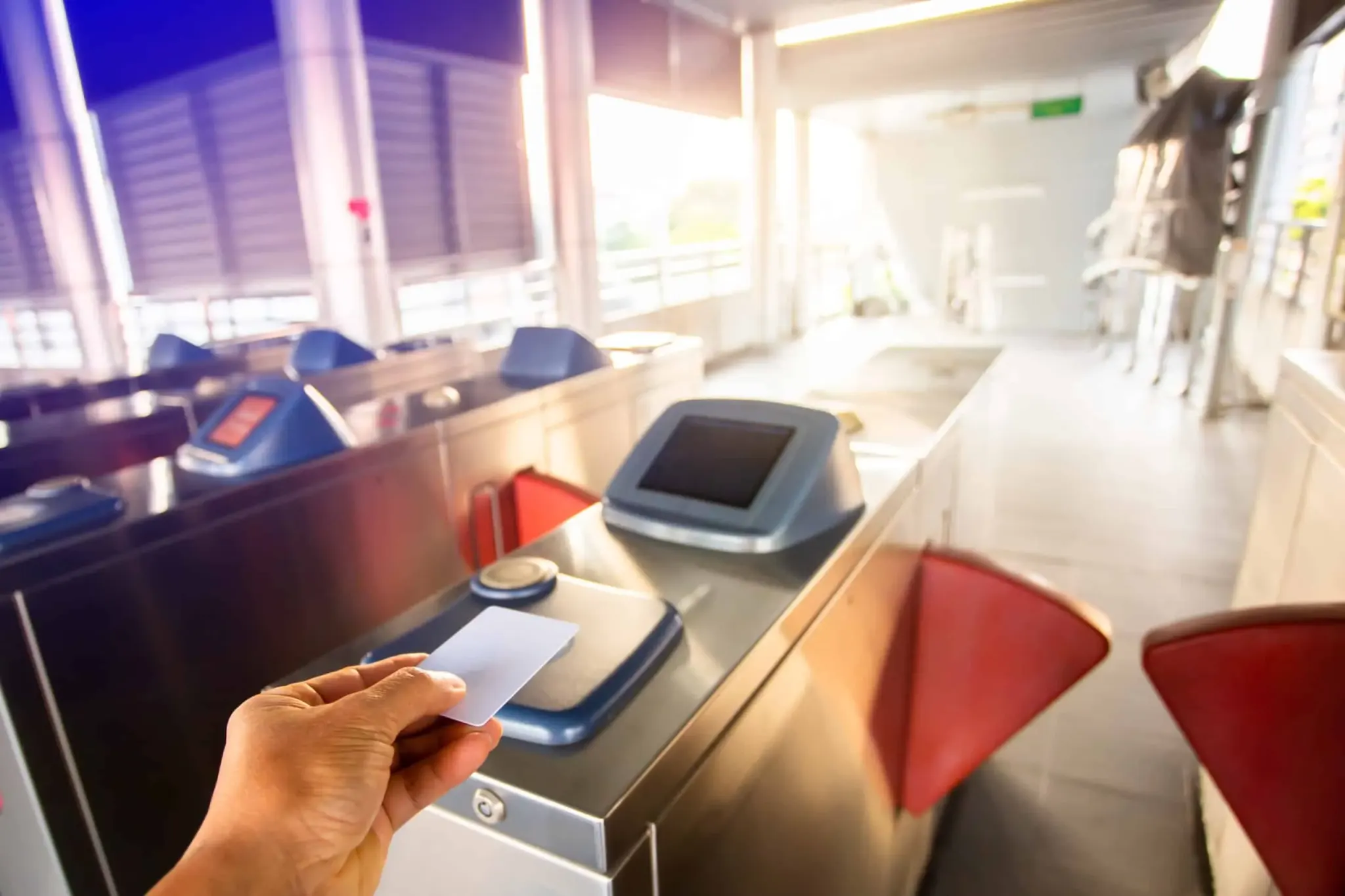





Could you say who was in the building last Tuesday?
Not who was invited — who actually came in, including the contractor who arrived at eleven and the courier who went up to the third floor.
Three questions
Three questions, no email required. The answer that matters is not how many visitors you have — it is whether you could produce the list.
Expected, verified, and logged both ways.
A host registers a visitor before the day: name, company, who they are seeing, when they are expected. The visitor arrives at the station in reception and is verified — by face if they were enrolled at registration, or by the QR code they were sent, or by a card or PIN. Expected visitors are admitted and the entry is logged. Anyone not on the list is held at reception rather than waved through because they looked plausible and the desk was busy. The exit is recorded too, which is the half most visitor books omit entirely, and which is what makes the list of who is currently in the building worth anything.
What it does not do: it does not replace a receptionist on a desk that needs one. It replaces the book, the guesswork and the pile of unreturned badges.
Visitor check-ins are metered at €0.03 each on Standard and €0.05 on Premium, on top of your plan.
You pay for visitors who actually arrive, not for a licence sized to your busiest week. The visitor queue and visit notes are Premium features; the entry and exit record itself is not. Visitor check-ins require a paid plan. On the attendance side, liveness detection, GPS, geofencing, offline mode and access control are in the plan price — not add-ons.
Visitor pre-registration: expected guests, verified at the door.
Pre-registration moves the identity question to a point where there is time to deal with it. The host enters the visitor before the day, and the visitor receives what they need to get in. On arrival the station checks it, which takes a few seconds and does not involve anybody on the desk making a judgement about whether a stranger seems legitimate.
The verification method should match the visit. A contractor who will be on site for a month is worth enrolling for face check-in, because they will arrive thirty more times. A one-off guest at a single meeting is better served by a QR code, which needs no enrolment and leaves nothing behind. Cards and PINs are there for the cases where neither fits. All of them produce the same record. Where a visitor is verified by face, the same rule applies as for staff: a failed liveness check blocks the check-in when it happens; nothing is saved for someone to review after payroll. Reception is not left with a folder of questionable photographs to go through afterwards.
The quiet benefit is that the awkward part of reception becomes a system behaviour rather than a personal one. Nobody has to challenge a confident stranger, because the station simply does not admit someone who is not expected — and "you are not on the list, let me call your host" is a far easier sentence to say when a screen has already said it.
What it does not do: it will not stop somebody walking in behind a legitimate visitor. Tailgating needs a turnstile or a door that closes; the system can raise an alert, but physics does the rest.
How do visitors check in?
By face if they were enrolled at registration, or by QR code, card or PIN. Expected visitors are admitted; anyone else is held at reception.
Can a visitor be limited to certain doors and hours?
Yes, where the doors are under access control — per-door authorisation with a schedule applies to visitors as it does to staff.
Does the host have to be at the desk?
No. The check happens at the station, against the registration the host made earlier.
Walk-ins, contractors and deliveries: logged without slowing reception.
The people missing from most visitor records are not the ones with appointments. They are the courier who went up to the third floor, the engineer who came to look at the lift, and the contractor who has been on site for three weeks and stopped signing in on day two.
Contractors who come regularly are enrolled once, at the desk, from a photograph — the same enrolment used for staff, without entering your HR system. After that their arrivals are as quick as an employee’s and produce the same entry and exit record. Deliveries and genuine walk-ins are registered at the station in the time it takes to say who they are there for, which is faster than a paper book and produces something searchable.
On the Premium plan the visitor queue handles a reception with several people waiting, visit notes carry anything the host should know. None of that changes the underlying record — it changes how pleasant a busy reception is to work on.
What it does not do: it does not make a walk-in into an expected visitor. It records them properly and holds them until somebody approves them, which is the correct outcome rather than a limitation.
Can it manage visitors and contractors at a public building?
Yes — staff, contractors and visitors all produce entry and exit records in one system, tagged by type.
How are regular contractors handled?
Enrol them once from a photograph at the desk. After that they check in like staff, without being in your HR system.
Staff and visitors on one who-is-here list.
Two systems produce two lists, and two lists produce an argument at exactly the wrong moment. Because visitor check-ins and staff check-ins are the same kind of event here, the live view of who is on site covers everybody — employees, contractors and visitors — filtered by type when you want them separated.
That list is the one an emergency needs, and it is covered in more detail on the live headcount page. It is also what turns an entry log into something useful after the fact: when an insurer, an auditor or an investigator asks who was in the building on a given day, the answer is a filter and an export rather than a search through a drawer.
Retention applies to visitor records as it does to staff. A visitor’s data can be deleted on request, and a retention rule can remove it automatically after the period you set — which for one-off visitors is usually short, and should be.
What it does not do: the list reflects people who checked out as well as in. A visitor who leaves through a side door without checking out stays on it, which is an argument for making the exit the same door as the entrance.
Is it the same system as attendance?
Yes. Visitors and staff produce the same kind of record, which is why one list covers everybody.
What happens to a visitor’s face data after the visit?
It follows your retention rule, and it can be deleted on request. For one-off visitors a short retention period is usually the right setting.
Can we export a day’s visitors?
Yes — filter by date and type and export, which is what an incident file or an audit usually wants.
Three ways to handle someone at the door.
| A paper visitor book | A tablet that collects a name | NCheck | |
|---|---|---|---|
| Expected visitors known in advance | ✕ | Sometimes | ✓ pre-registered |
| Identity checked | ✕ | Self-declared | Face, QR, card or PIN |
| On a failed face check | Not applicable | A photo is stored for someone to review later | Blocked when it happens; nothing stored for review afterwards |
| Unexpected arrival | Signs in anyway | Signs in anyway | Held at reception |
| Exit recorded | Rarely | Rarely | ✓ |
| Contractors on a long job | Stop signing in | Stop signing in | Enrolled once, then as quick as staff |
| Who is in the building now | Unknowable | A list of arrivals | Staff and visitors on one live list |
| Finding last Tuesday | A drawer | A search, maybe | Filter and export |
Who this is for — and who it is not.
Best for
- Schools, clinics and public buildings where an uninvited adult is a safeguarding matter
- Offices and enterprise sites with contractors, couriers and a busy reception
- Government and high-security sites that must evidence who was admitted and when
Not for
- Buildings with no reception or gate at all
| If this is your situation | The setup is |
|---|---|
| A staffed reception | A station on the desk, pre-registration by hosts |
| An unstaffed entrance | A station at the door plus access control, so expected visitors admit themselves |
| Regular contractors | Enrol once from a photo; they then check in like staff |
| A school gate at drop-off | Pre-registration for expected adults, walk-ins held |
| Deliveries to a loading bay | A station at the bay, logged as visitor arrivals |
"We are using this software across different locations and it just works. A great fit for small and medium-size organisations."
What is visitor pre-registration?
Visitor pre-registration is recording an expected guest before they arrive — who they are, who they are visiting and when — so that the check at the door becomes a verification rather than an introduction. It matters because the alternative puts the decision on whoever is at the desk at the moment a stranger walks in, usually while they are doing three other things. Pre-registration also produces the thing a paper book never does: a record of expected versus actual arrivals, and a check-out as well as a check-in. Combined with a verified identity at the door it answers a question most organisations cannot currently answer, which is who was inside the building on a particular day.
What to check before you commit.
- Can a visitor be registered before the day, by the person they are visiting?
- Is the visitor’s identity verified at the door, or only written down?
- What actually happens when somebody arrives who is not expected?
- Is the exit recorded as well as the entry?
- Do contractors on a long engagement stay in the system, or quietly fall out of it?
- Do staff and visitors appear on one list of who is in the building?
- How long is a visitor’s data kept, and can it be deleted on request?
- Can you produce every person who entered on a given day, in under a minute?
Before you ask us.
How is visitor management priced?
Per visitor check-in on top of your plan — €0.03 on Standard and €0.05 on Premium, metered monthly. Visitor check-ins require a paid plan.
Do visitors have to give biometrics?
No. A QR code, card or PIN works without enrolment, which for a one-off guest is usually the right choice.
Can we use it at an unstaffed entrance?
Yes, combined with access control — an expected visitor verifies at the station and the door opens. See door control without new wiring.
Can several visitors arrive at once?
Yes — the visitor queue on the Premium plan is built for a reception with several people waiting.
Is it legal to take a visitor’s photograph?
It depends where you are and generally turns on notice, purpose and retention. Templates rather than images are stored, and deletion is supported. See biometric attendance and the law — general guidance, not legal advice.
Can it run on our own servers?
Yes — visitor management works the same on an on-premises deployment.
Keep reading.
Visitor management
The product page: passes and visit notes.
Visitor queue
A busy reception with several people waiting.
Visit notes
What the host should know before they come down.
Access control
Letting an expected visitor through a door.
Education
School gates, safeguarding and drop-off.
Government
Public buildings and evidenced admission.
Know who walked in, and when they left.
Visitor check-ins are metered on top of a paid plan, with a 30-day free trial. Bring us your busiest reception hour.
Last reviewed: October 2026. Templates, not photos; deleted on request; on-premises keeps everything inside your network. Details on the security and compliance page.